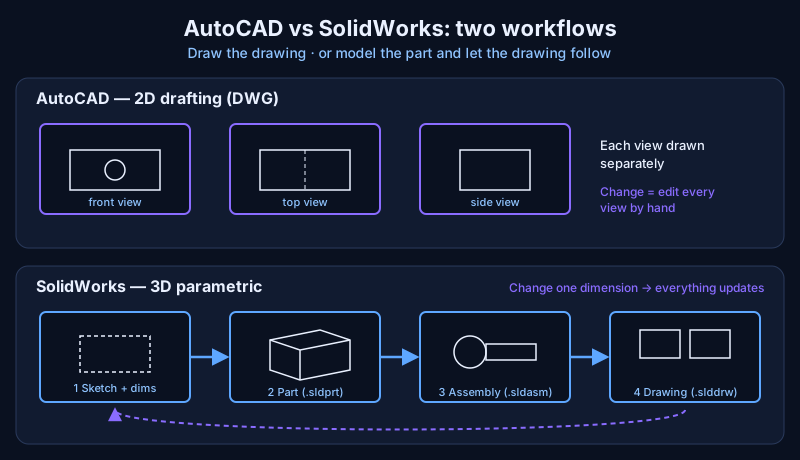
AutoCAD and SolidWorks solve different problems: AutoCAD is a general-purpose CAD program strongest at 2D drafting — layouts, plans and detailed drawings — while SolidWorks is a parametric 3D modeller built for designing mechanical parts and assemblies and generating their drawings from the model.
For a mechanical engineer, the right tool depends on what the final deliverable is: a drawing, or a design.
I have drafted and designed in both on real projects, and the lesson is that they complement each other more than they compete. Here is how they differ and when each one is the better choice.
What is AutoCAD best at?
AutoCAD is best at precise 2D drafting. You draw lines, arcs, circles and polylines on layers, add dimensions and text, and arrange sheets for printing. All3DP describes its core focus as 2D drafting and documentation, with less robust 3D tools, and notes it is widely used in architecture, civil and electrical design as well as mechanical work.
AutoCAD's strengths for a mechanical engineer are:
- Speed for 2D work. A plant layout, a pipe route sketch, a flange drawing or a quick fabrication detail is faster to draw directly than to model in 3D first.
- DWG everywhere. AutoCAD's native DWG format is the common language of drawings; clients, contractors and consultants can almost always open it.
- Light and cross-platform. It runs on Windows and Mac, and All3DP lists 8 GB RAM as the minimum.
Its weakness is that a 2D drawing has no memory of design intent. If a shaft gets 5 mm longer, every view, section and dimension must be edited by hand — and it is easy to miss one.
What is SolidWorks best at?
SolidWorks is best at designing parts and assemblies in 3D. It is a parametric modeller: you sketch a profile, constrain it with dimensions and relations (parallel, tangent, equal), and turn it into features such as extrusions, cuts, fillets and holes. Each feature is stored in a history tree, so the model "remembers" how it was built.
That changes the workflow:
- Sketch — a 2D profile with dimensions and relations.
- Part (.sldprt) — features built from sketches.
- Assembly (.sldasm) — parts placed together with mates, so you can check fit, motion and interference.
- Drawing (.slddrw) — views, sections and dimensions generated from the model.
Change a dimension in the part and the assembly and drawing update automatically. All3DP also points to SolidWorks' built-in simulation for stress, thermal and fluid-flow analysis, which AutoCAD only offers through add-ons. Exports such as STEP and IGES let other CAD systems read the geometry, although they do not keep the feature history.
AutoCAD vs SolidWorks: side-by-side comparison
| AutoCAD | SolidWorks | |
|---|---|---|
| Developer | Autodesk | Dassault Systèmes |
| Core strength | 2D drafting and documentation | 3D parametric parts and assemblies |
| Design changes | Edit each view by hand | Change a dimension; model and drawings update |
| Native files | DWG | SLDPRT, SLDASM, SLDDRW |
| Simulation | Limited, via add-ons | Built-in stress, thermal and flow analysis |
| Operating system | Windows and Mac | Windows only |
| Typical users | Architecture, civil, electrical, plant layout | Mechanical and product design |
Prices change often and differ by country and licence type, so check the current figures with Autodesk and Dassault Systèmes resellers. All3DP notes that both offer free trials and low-cost or free student versions — the cheapest way to start learning either one.
When should a mechanical engineer use AutoCAD?
A mechanical engineer should use AutoCAD when the job ends in a 2D drawing and the geometry is simple or mostly flat:
- Plant and equipment layouts, foundation and civil interface drawings.
- Piping sketches, isometrics and P&ID-style schematics.
- Quick fabrication details — plates, brackets, flanges, gaskets — and markups of existing drawings.
- Working with clients or contractors who send and expect DWG files.
In marine and repair work, a lot of the paperwork is like this: a cut-and-renew sketch for a plate, a support detail, or a revised pipe route. AutoCAD gets those out the door quickly.
When should a mechanical engineer use SolidWorks?
A mechanical engineer should use SolidWorks when the part or machine has to be designed, fitted and changed:
- Machine design — shafts, housings, brackets, gear and pulley arrangements with many related dimensions.
- Assemblies where fit and clearance matter, such as checking that a V-belt drive guard clears the pulleys or a bearing housing lines up.
- Sheet metal and weldments, where SolidWorks can unfold parts and produce cut lists.
- Anything that needs simulation before it is built, or a 3D model for a client, a manual or manufacturing.
The 3D machines in the Engine-X atlas come from the same way of thinking: build the parts, put them together, then see how they move.
Which should you learn first?
Learn the one your next job needs, but plan on both. All3DP itself is mixed on which is easier: AutoCAD's command-based workflow takes time to get comfortable with, while SolidWorks feels more intuitive at first but has a large feature set. A practical path for a mechanical engineer is:
- Learn drawing standards first — views, sections, dimensions and tolerances (including GD&T). These apply in any software.
- Learn AutoCAD basics: layers, blocks, dimension styles and layouts.
- Learn SolidWorks: sketches and relations, part features, assemblies and mates, then drawings from the model.
The engineering takeaway
AutoCAD is a precise pencil; SolidWorks is a design engine. Use AutoCAD when the output is a drawing and the geometry is simple, and SolidWorks when the design will change, has many parts, or needs analysis. Knowing both — and knowing when to switch — is what most mechanical design and site roles actually expect. For an example of what 3D modelling can show that a flat drawing cannot, download any Engine-X machine and each of its parts free from the 3D models gallery.
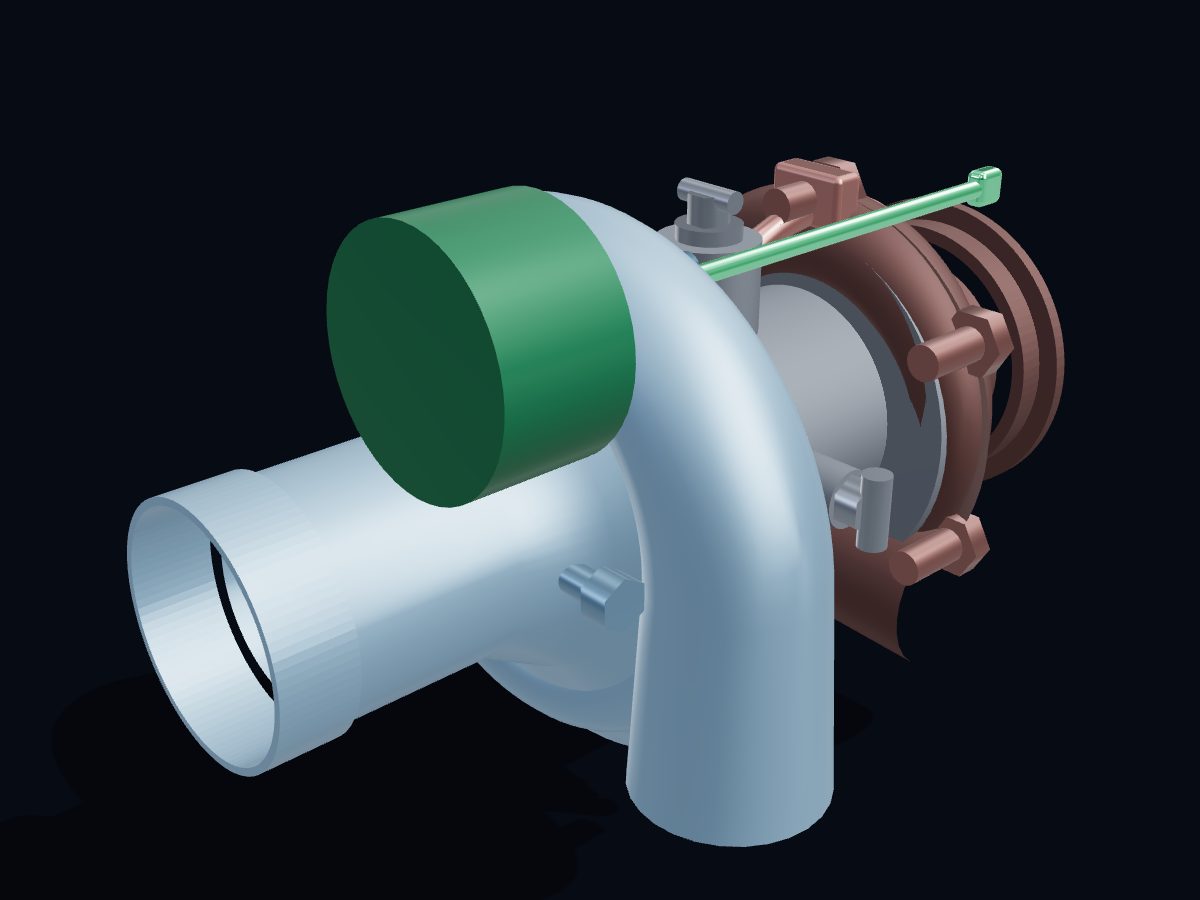 Turbocharger
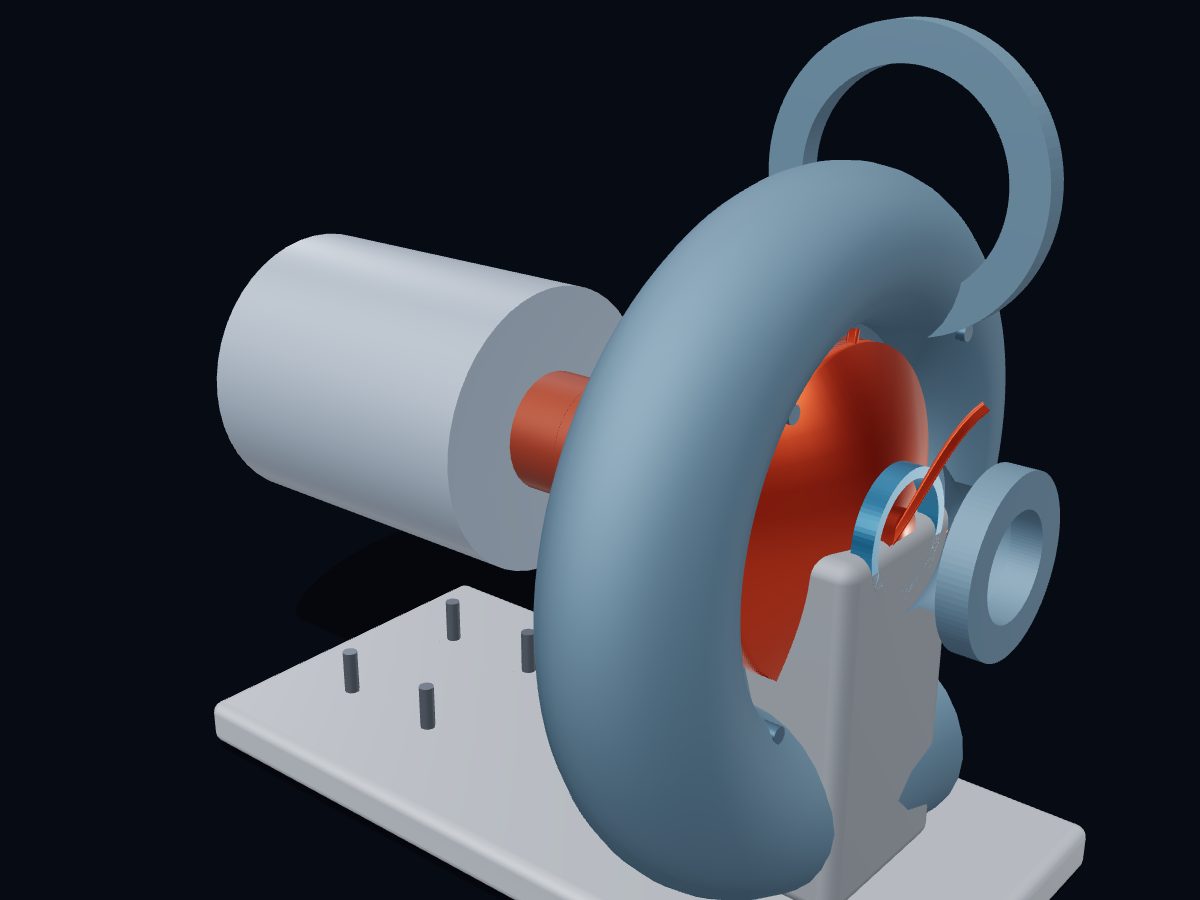 Centrifugal Pump
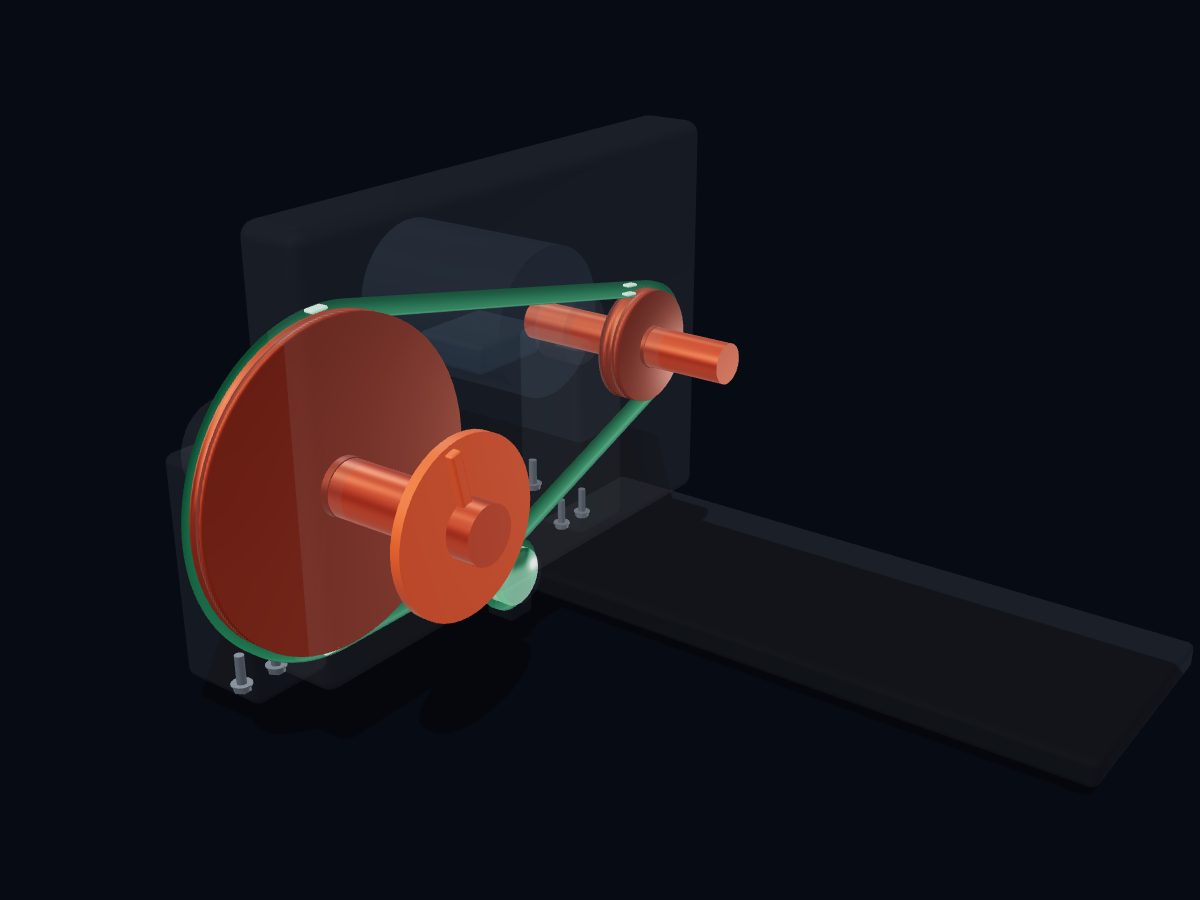 V-Belt Pulley Drive
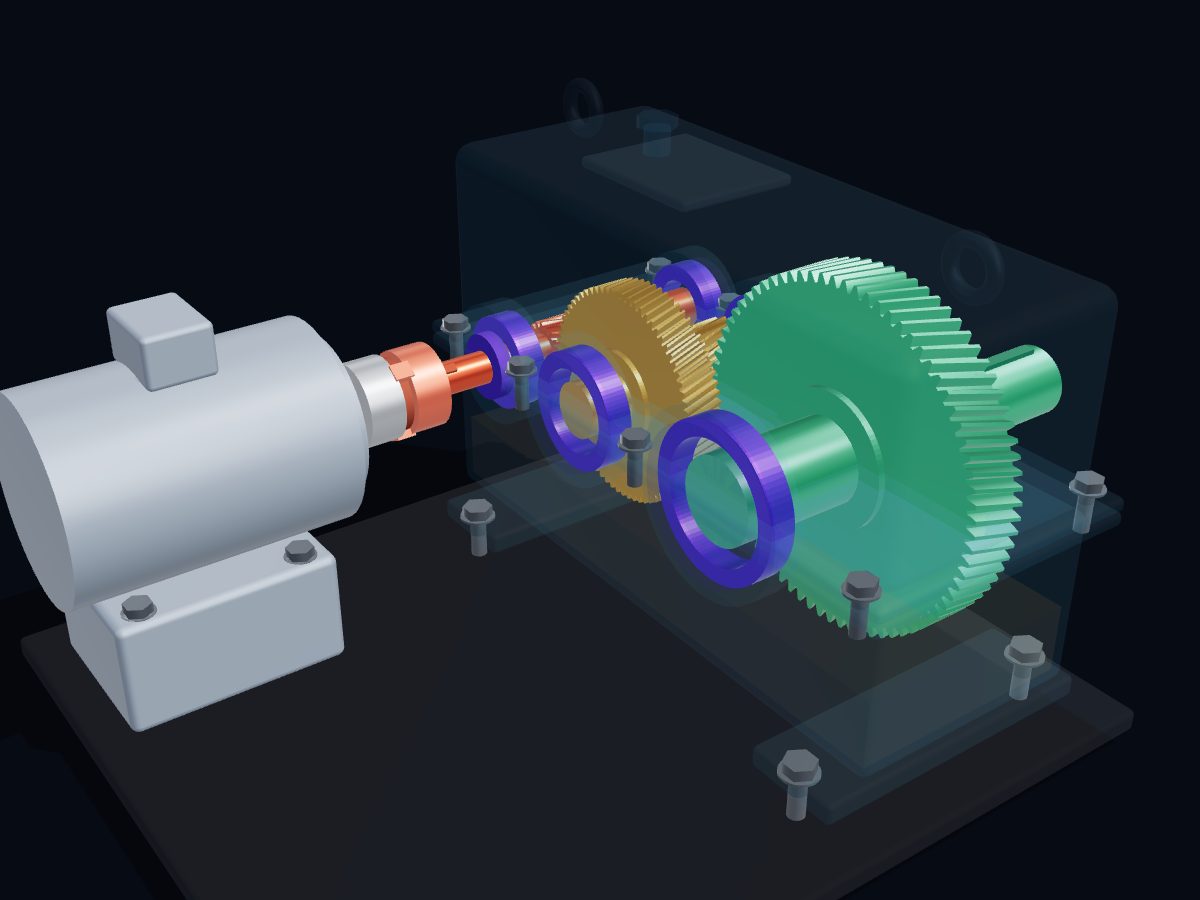 Helical Gear Reducer
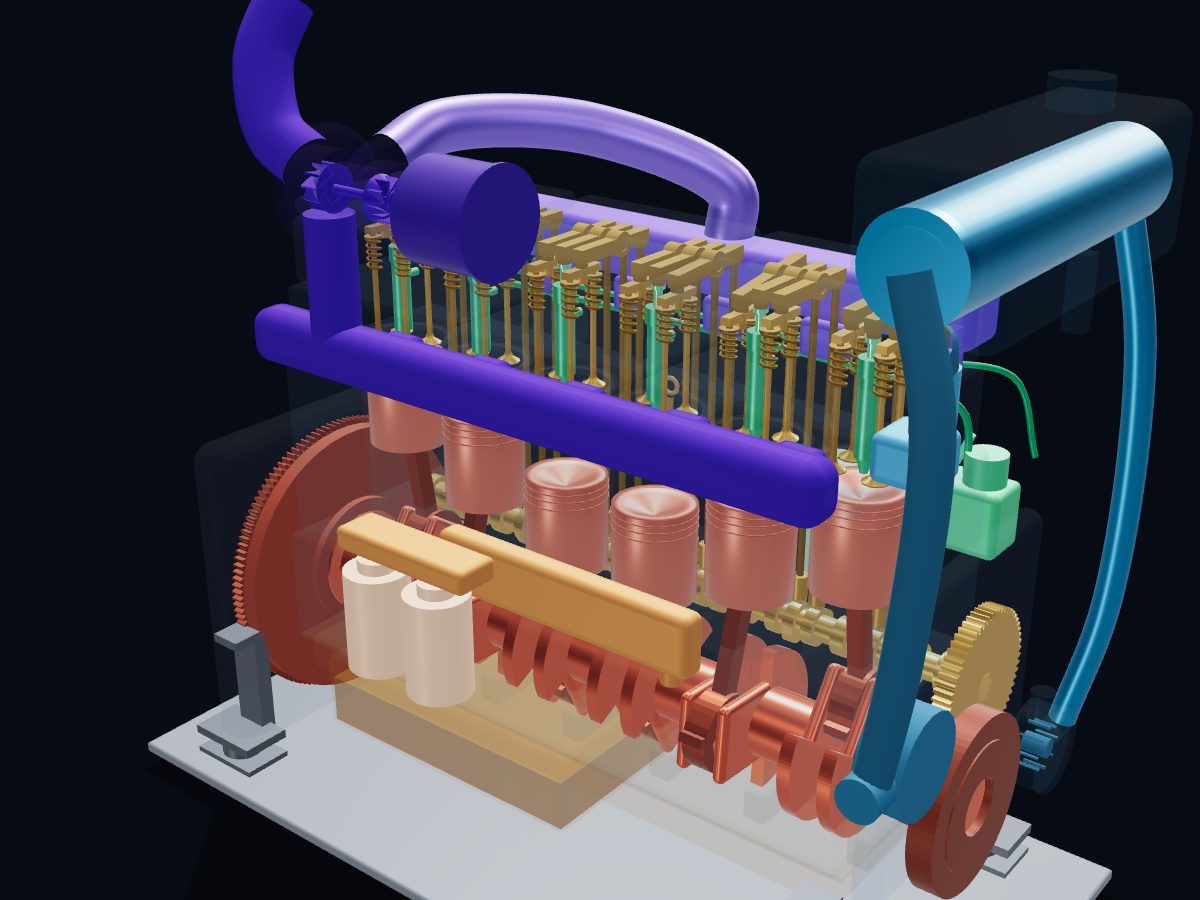 Marine Diesel Engine
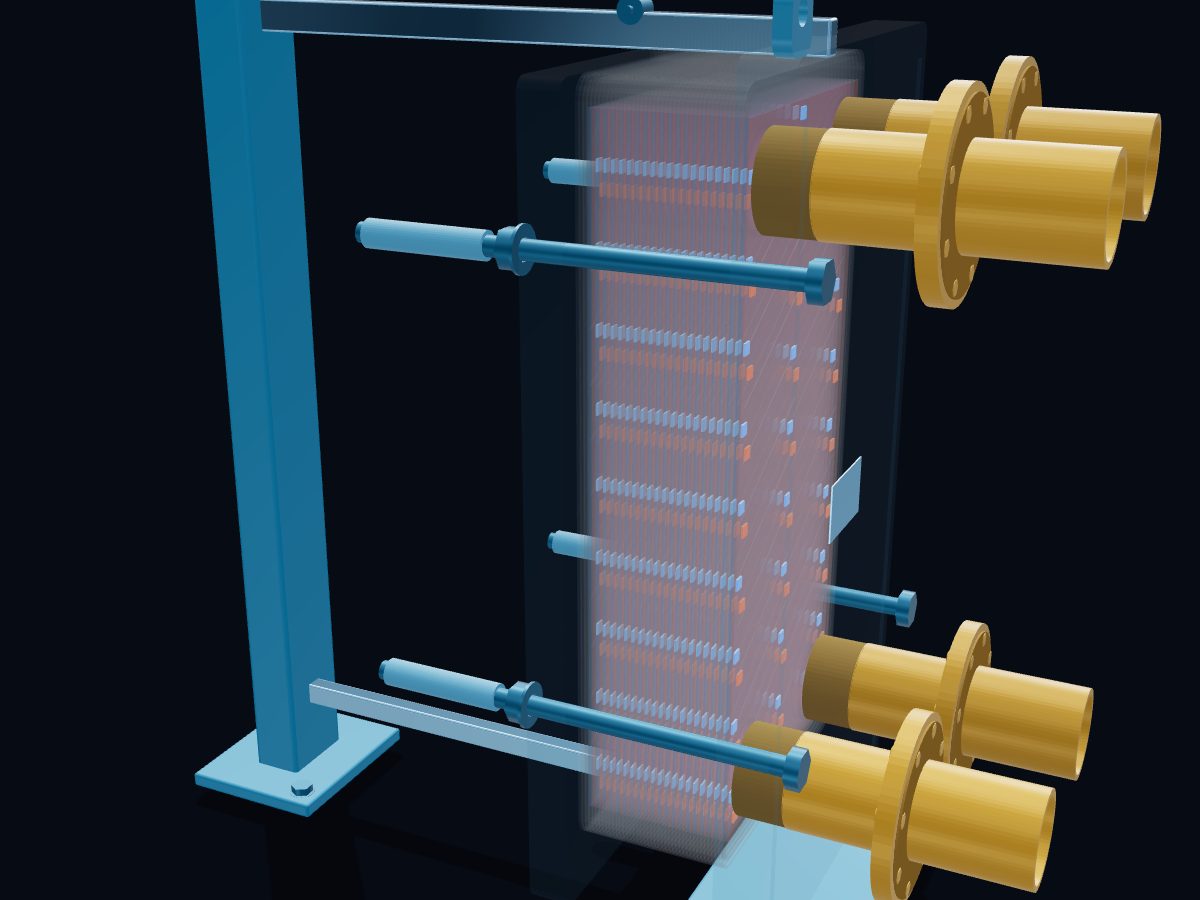 Plate Heat Exchanger
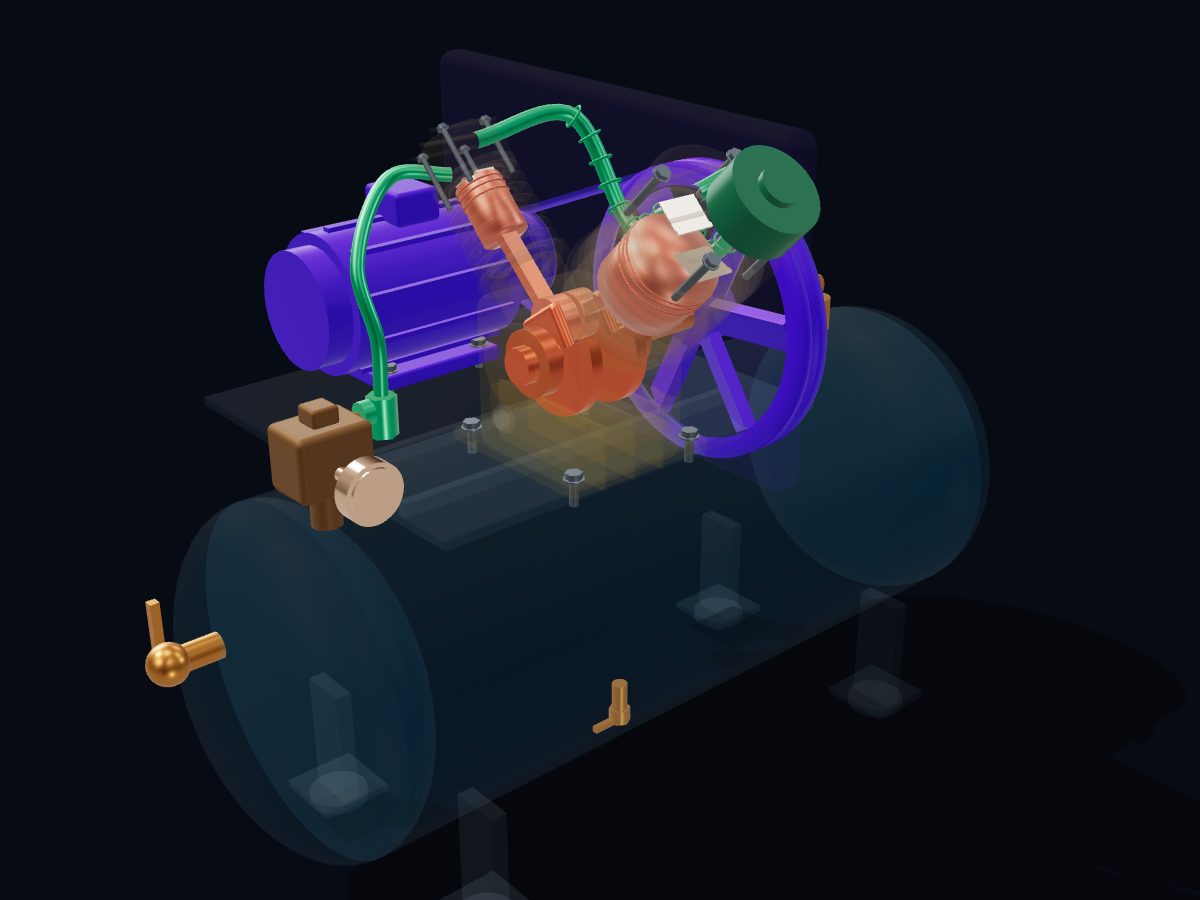 Reciprocating Air Compressor
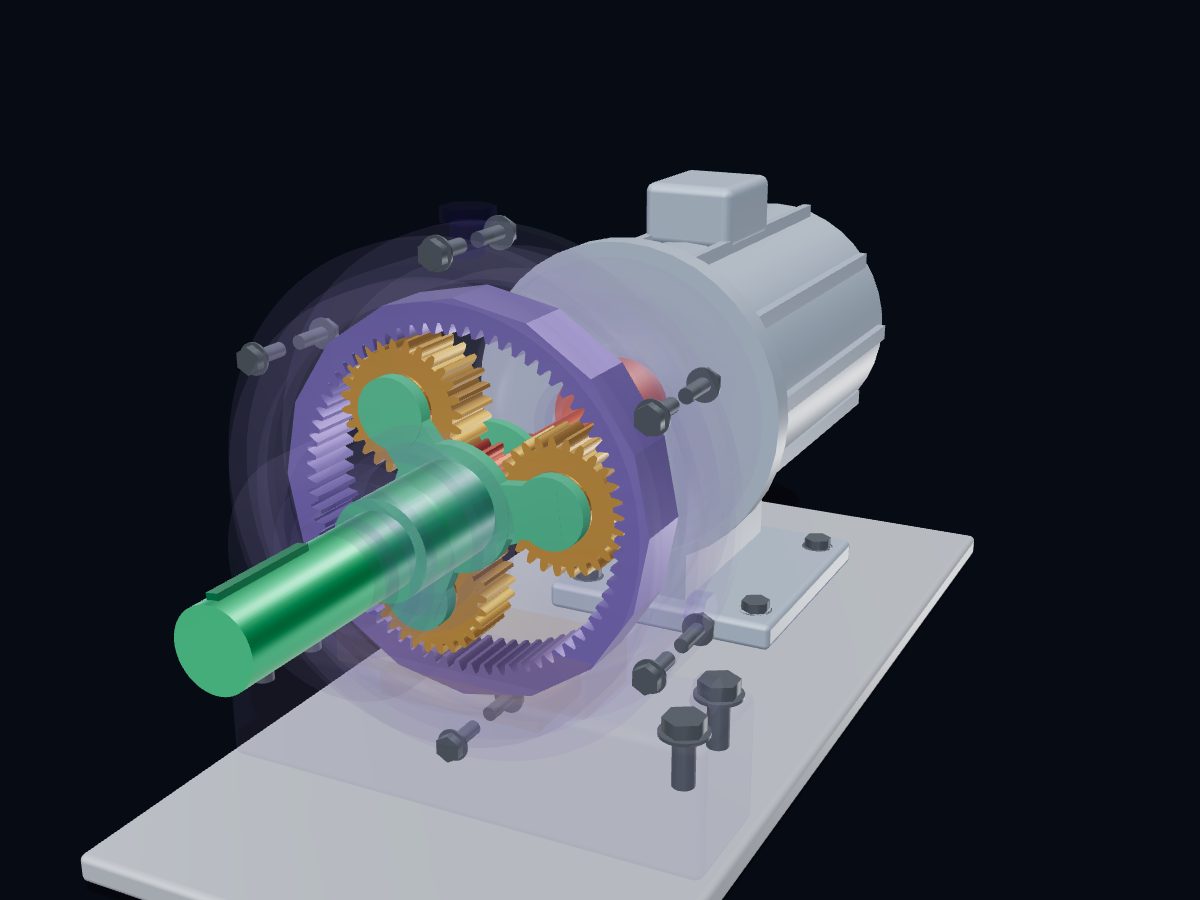 Planetary Gearbox